How to Migrate WordPress to a New Host With Zero Downtime
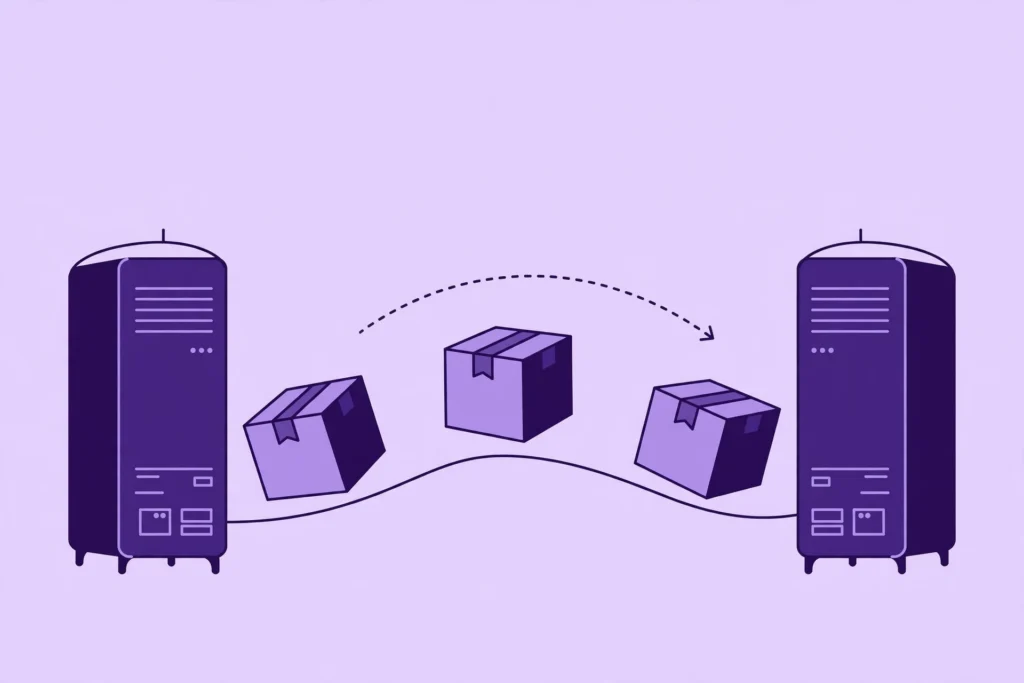
To migrate WordPress to new host servers can be scary — one wrong step and your site is down, emails bounce, or Google loses track of you. I’ve done dozens of migrations, and with the right process there’s zero downtime. Here’s exactly how I do it.
Some links here are affiliate links. If you buy through them, I may earn a commission at no extra cost to you.
Step 1: Audit the current site
Before touching anything, I note the PHP version, check for hardcoded URLs, list active plugins, and confirm what’s actually on the server — including email accounts and DNS records people forget about. Surprises during migration are always things nobody documented.
Step 2: Take a full backup
Files + database, stored somewhere off the old server. This is your parachute. I never start a migration without a verified backup I could restore from.
Step 3: Set up the new hosting
I provision the new account, match or upgrade the PHP version, and create the empty database. If the new host offers server-level caching, I configure it now rather than after launch.
Step 4: Copy files and database
I transfer everything to the new server and import the database. Then I run a proper search-and-replace on the database for the domain — never a blind find/replace, because serialized data breaks if string lengths change. I use tools built for this.
Step 5: Test on a temporary URL
Before the world sees anything, I test the full site on the new server — homepage, inner pages, forms, checkout if it’s WooCommerce. I click everything. This is where problems get caught, not after DNS switches.
Step 6: Lower DNS TTL in advance
24 hours before the switch, I lower the DNS TTL to 300 seconds. That way when I point the domain to the new server, propagation happens in minutes instead of hours.
Step 7: Switch DNS and monitor
I update the DNS records, then watch the site from multiple locations as propagation completes. I keep the old hosting active for a week as a fallback — cheap insurance.
Step 8: Post-migration checks
SSL active? Emails working? Forms submitting? Search Console happy? I run through the full checklist, then cancel the old hosting only when everything is confirmed stable.
Want me to migrate WordPress to new host servers for you?
A professional migration costs far less than a day of downtime. My WordPress migration service handles the entire process to migrate WordPress to new host servers — backup, transfer, testing, DNS and post-launch checks — with zero downtime guaranteed.